Free new tab for Chrome
A calm new tab, with your day already close
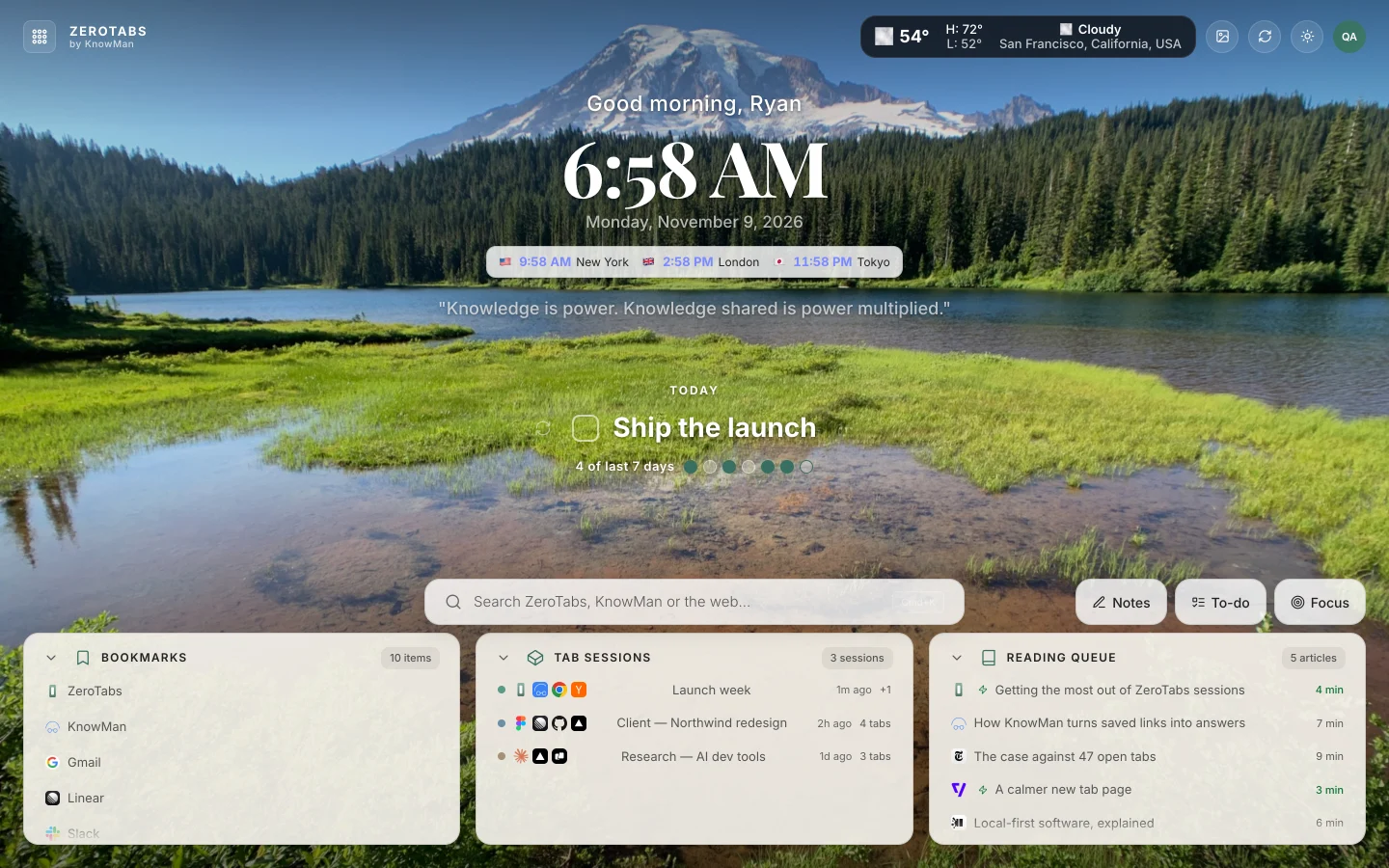
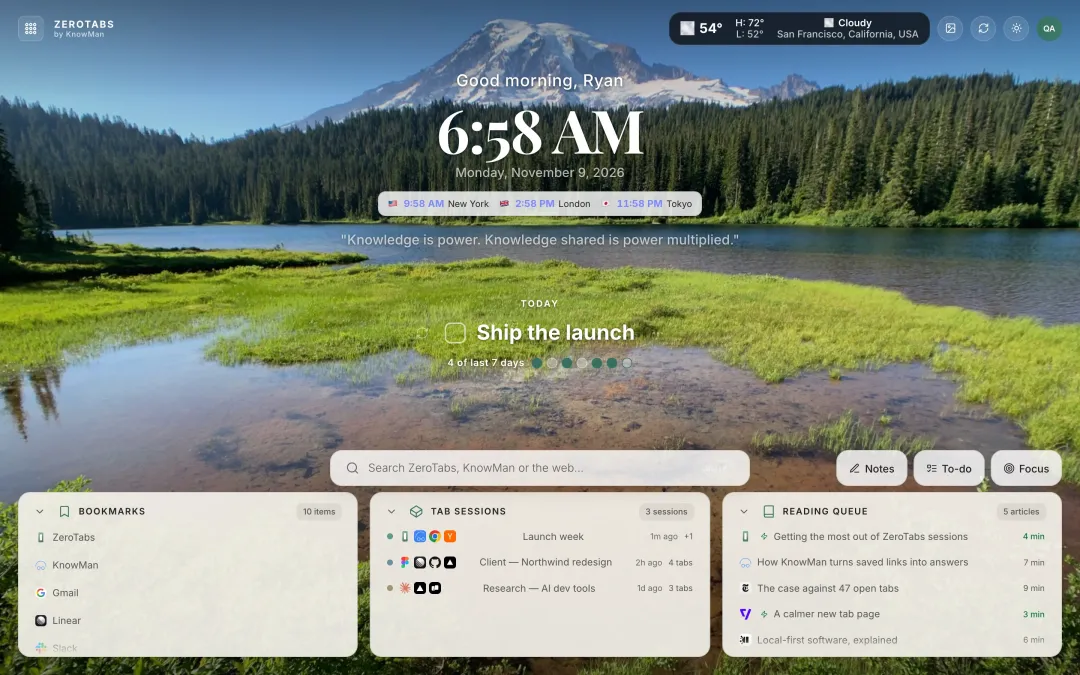
ZeroTabs turns every new tab into a quiet start page: a new photograph each day, today’s intention, your to-dos and notes, a focus timer and your saved tab sessions, all one click away.
Free, with no ads. Uses a free KnowMan account, so your workspace syncs across your computers.
- Free, with no ads
- Syncs across your computers
- Every widget can be turned off
- Chrome and Chromium browsers
Inside every new tab
Quietly powerful
A considered start page, with the useful things from your browser day already within reach.
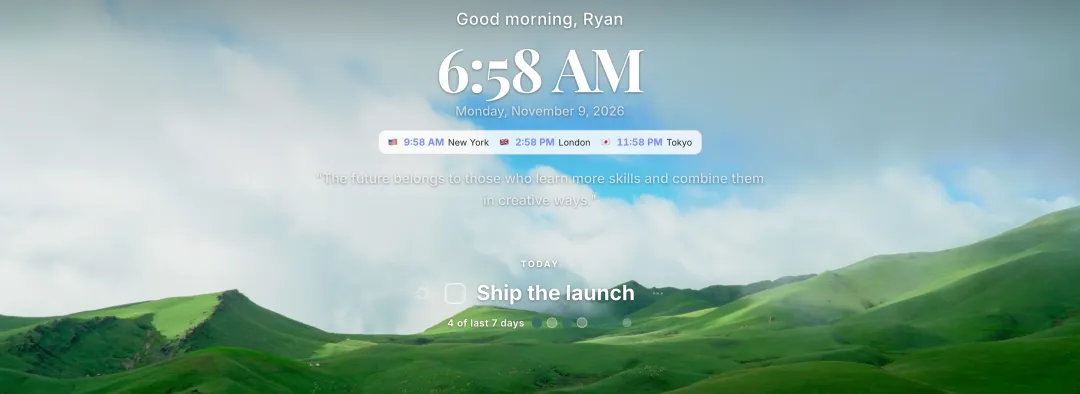
Intention and to-dos⌘T
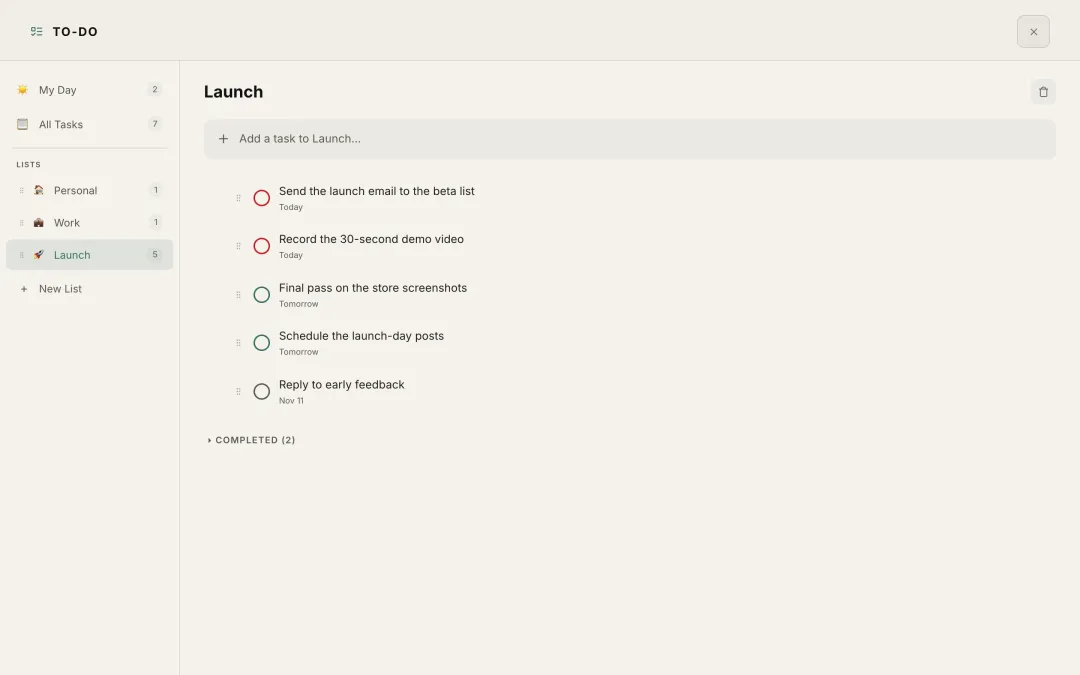
Begin each day with one intention
Set today’s intention and keep your lists close by: My Day, due dates and a seven-day streak, together in one calm place.
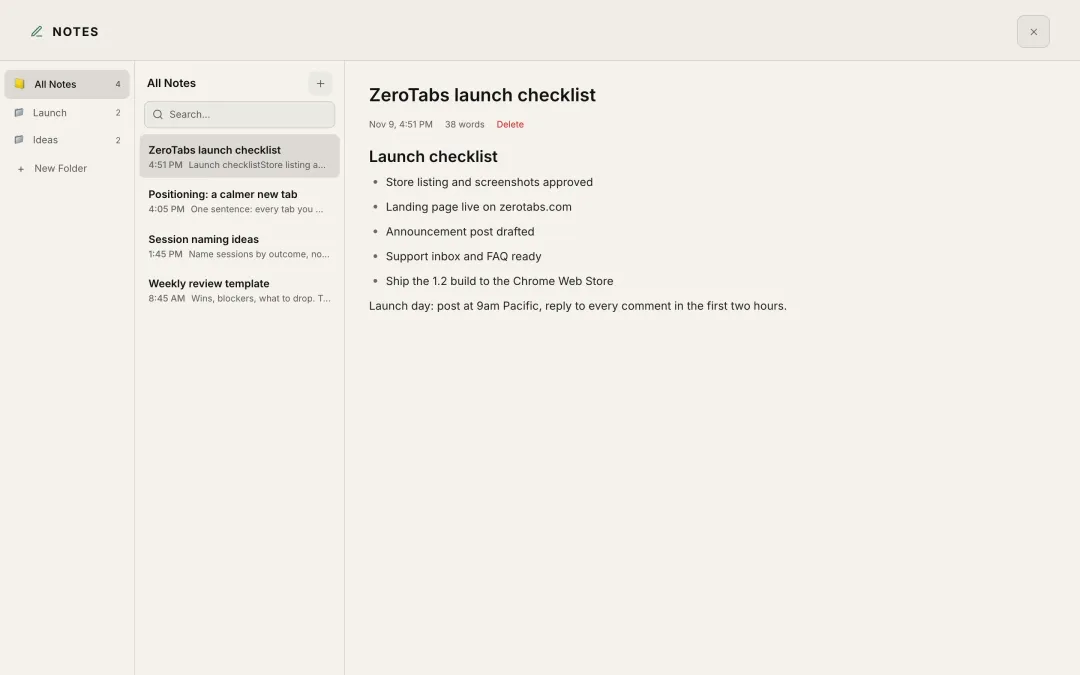
Notes⌘N
Notes in folders, a keystroke away
Keep rich-text notes close and organized in folders, ready the moment you open a new tab.
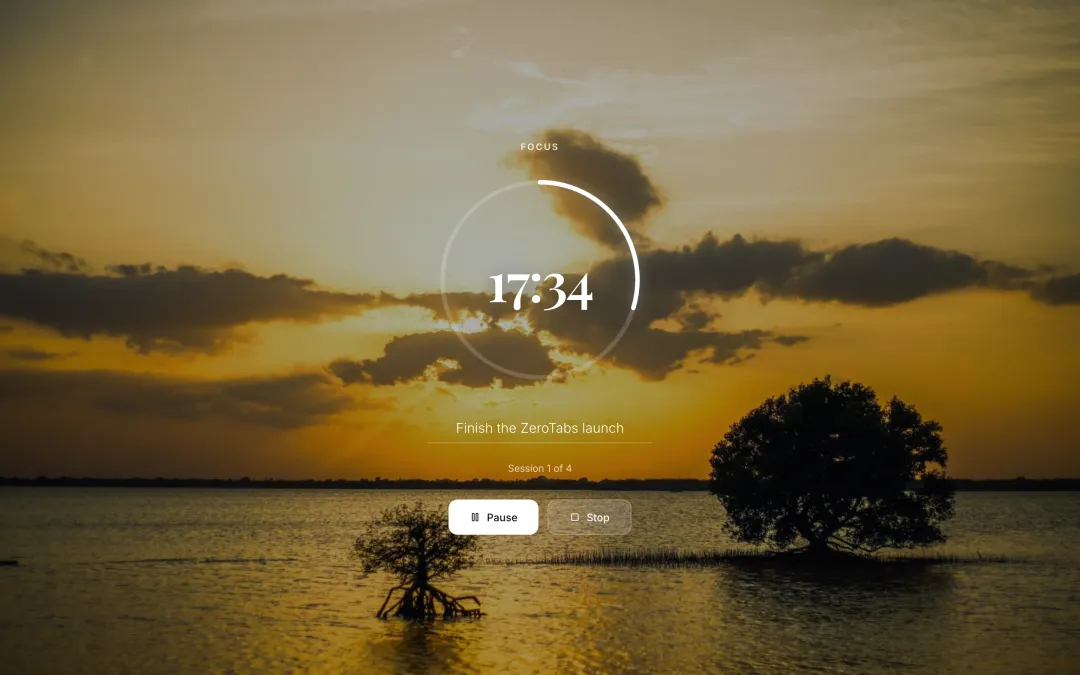
Focus timer⌘F
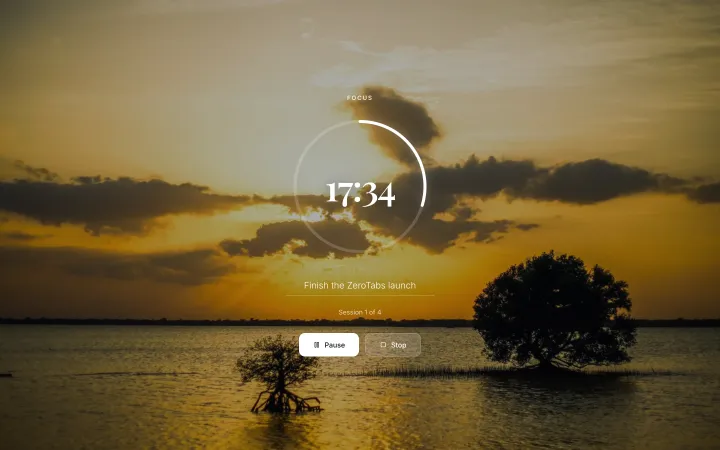
Give a focus session the whole screen
Start the full-screen focus timer and the page settles around one task. When it is time to focus, the whole screen agrees.
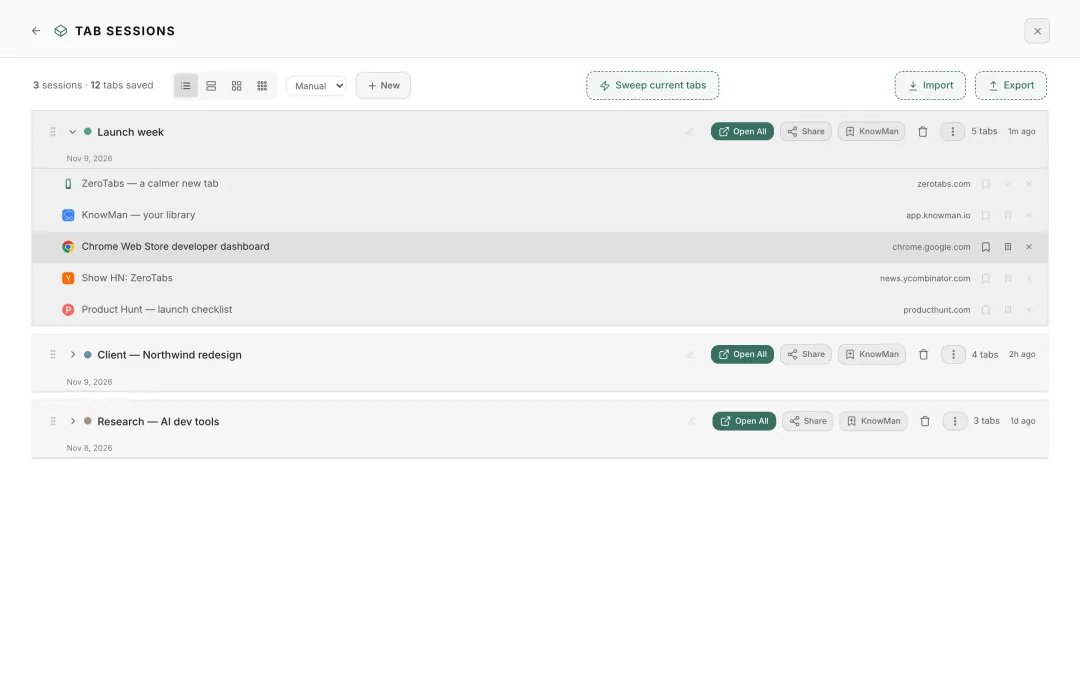
Tab sessions⌘2
Fewer tabs, more room to think
Sweep your open tabs into a named session and reopen them together later with Open All. Share a session as a link, or export a backup.
Shortcuts shown for Mac; use Ctrl on Windows.
Why it feels calm
Your first breath of the internet
ZeroTabs gives the page you open all day a little more room, and a little more you.
-
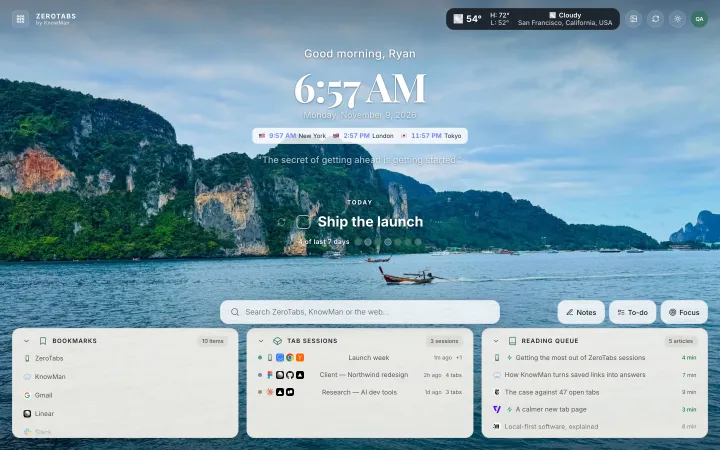
Photography -
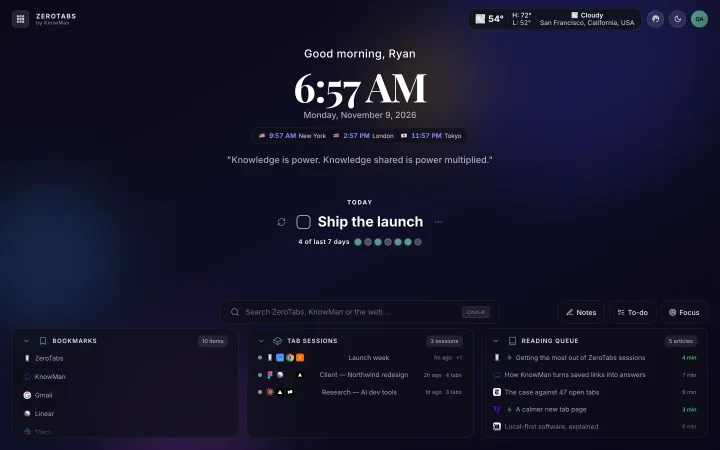
Gradient -
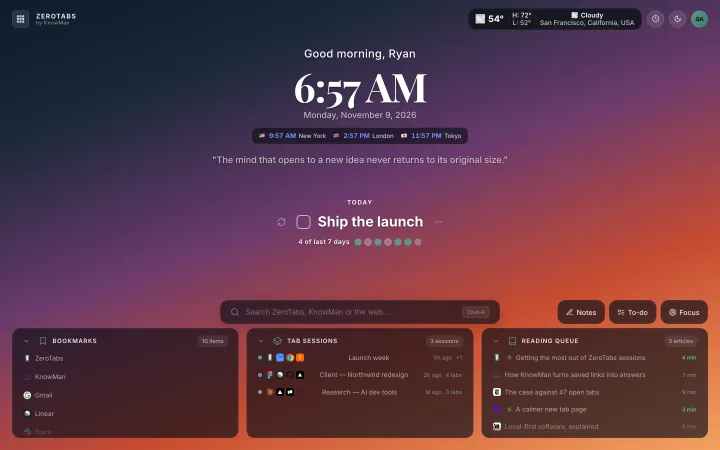
Generative art -
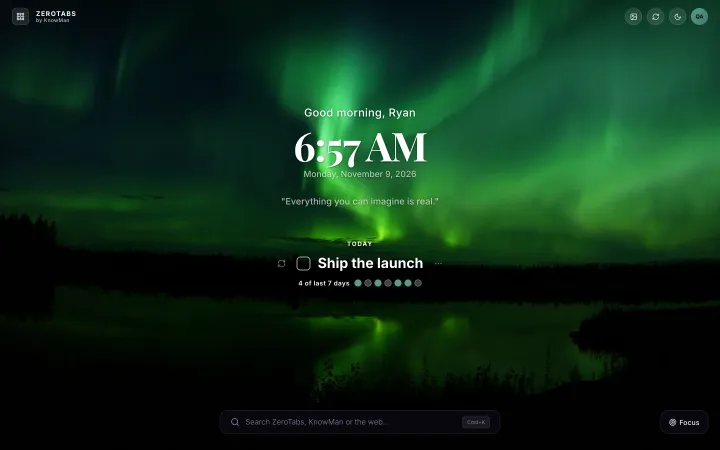
Just the clock
- 01
One intention, not a feed
Your time, weather and today’s intention share the same quiet space, so each tab starts with what matters to you.
- 02
Choose your kind of quiet
A new photograph each day, a gradient, generative art, or just the clock. Pick the backdrop that suits your day.
- 03
Only what you turn on
Every widget can be turned off. ZeroTabs does not read page content or collect your browsing history, and your Chrome bookmarks are shown, never changed.
Reading queue
Your saved reading, waiting on every new tab
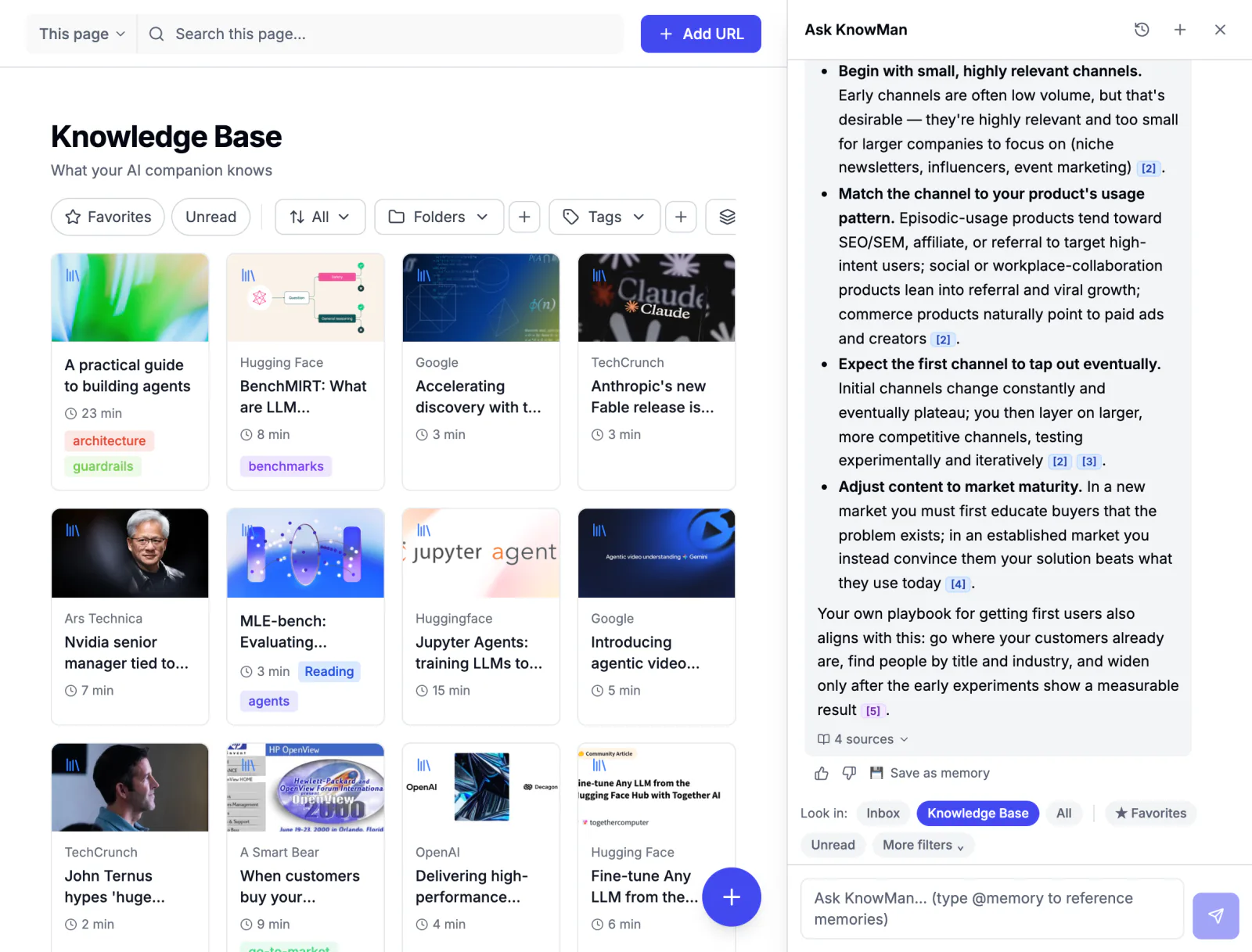
KnowMan is where you save and search what you read. ZeroTabs brings your KnowMan reading queue into the new tab, so the articles you saved are right there when you have a minute.
A more beautiful start
Make the page you open all day a little more useful, and a little more yours. ZeroTabs is free, with no ads and no paid tier.
You already read the right things. Now get something back from them.
Start free14 days of Pro free • No credit card • Import from Pocket, Omnivore and more